

Openings Studio 3.30 is building on the everyday with practical improvements across the tools and workflows you use most. Whether you’re managing project documents, assessing hardware, updating keying information, working in Revit, or using Openings Studio on the go, this release brings new capabilities and thoughtful enhancements designed to make everyday work a little easier.
We hope you enjoy the release!
The Openings Studio Team
New features
PDF document classifications
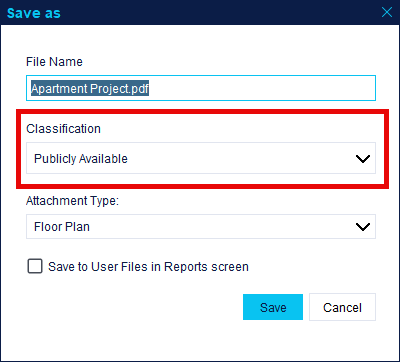
PDF files can now be assigned a classification when uploaded through the PDF Editor. Supported classifications include:
- Publicly Available
- Project Use Only
- Confidential
Documents classified as Secret are not permitted within Openings Studio. Existing PDFs without a classification will prompt for one when viewed.
Hardware assessment screen
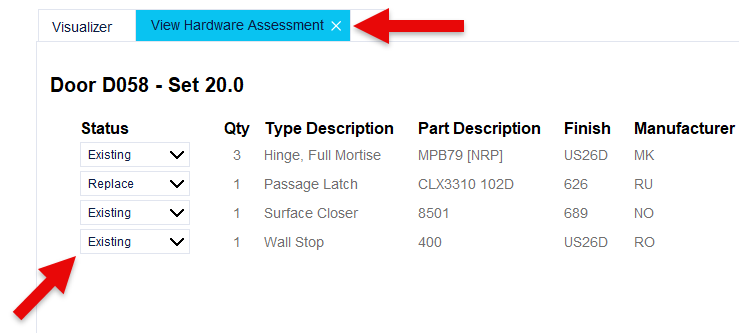
The Hardware Assessment screen allows users to document products that need to be added, removed, repaired, or replaced within a project. Click the + in the Visualizer to find this new feature.
Key Schedule Excel import/export
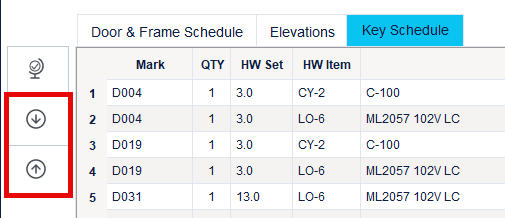
The Key Schedule can now be exported to and imported from Excel, making it easier to update keying information outside Openings Studio and synchronize changes back into the project.
Read-only project launch
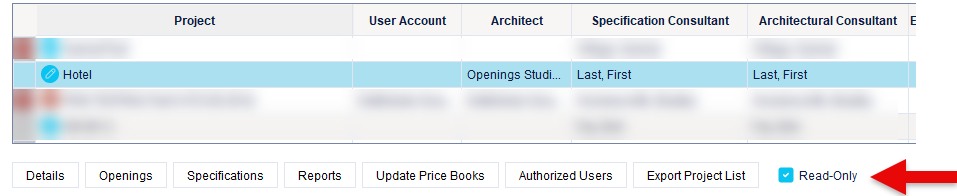
Projects can now be opened in read-only mode, allowing users to review project information without interrupting another user who may need read-write access. A Cancel option has also been added when users are prompted to open a project in read-only mode.
Mobile: Account profile selection
Mobile app users associated with multiple Openings Studio accounts can now select which account profile they would like to use when signing in.
Mobile: Assign Smart Tags to frames
Smart Tags can now be assigned directly from the Received Frames screen in the mobile app.
Mobile: Not Installed filter
A Not Installed filter has been added to the filters in the mobile app.
Enhancements
ASSA ABLOY employee authentication
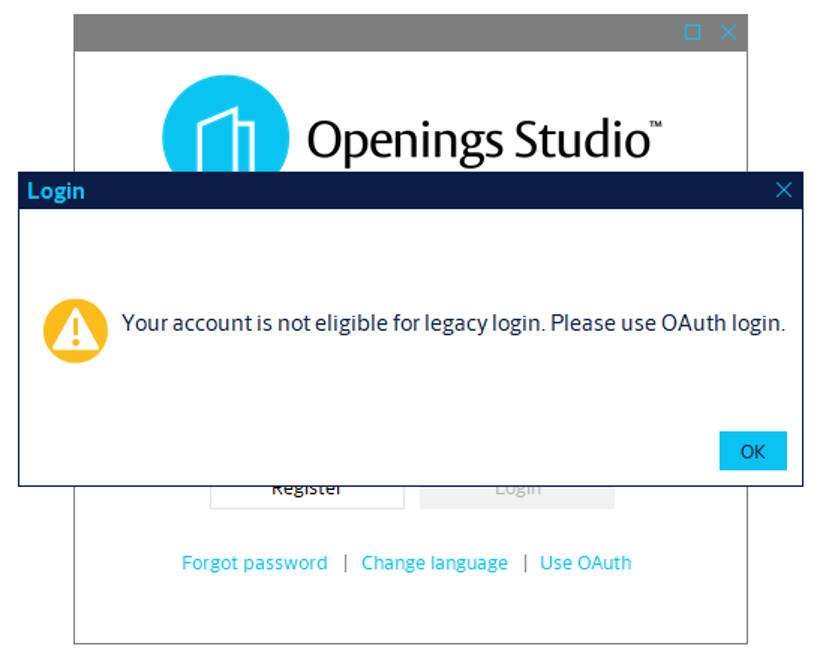
ASSA ABLOY employee email addresses now use Microsoft OAuth authentication when signing in to the desktop application. This change does not apply to the mobile app until a future release.
Branding and icon refresh
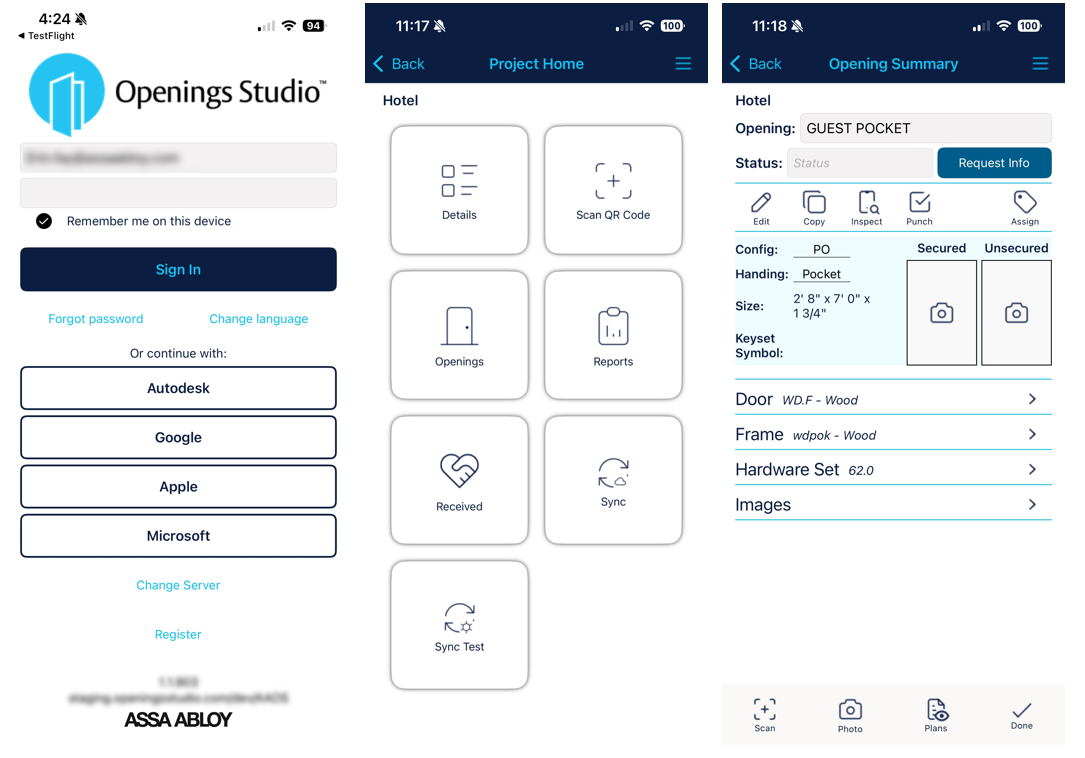
Additional branding updates have been implemented across the desktop application, mobile app, and web experiences, including refreshed icons and user interface improvements for light and dark themes.
Hardware Set Error Checker
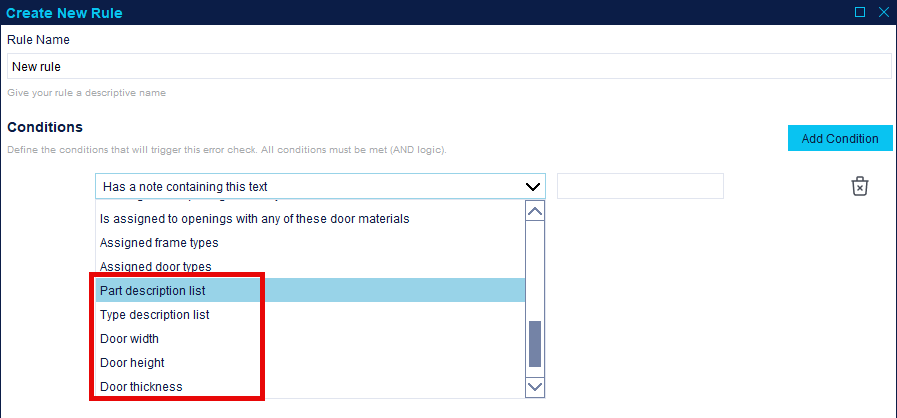
Additional rule conditions have been added to the Hardware Set Error Checker, including Part Description, Type Description, Width, Height, and Thickness.
More NDA project indicators
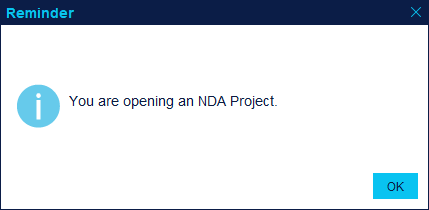
Additional visual indicators have been added for NDA projects, including project badges, reminder messages, and project search icons to help remind users who have permission to access the project.

Improved Revit revision selection workflow
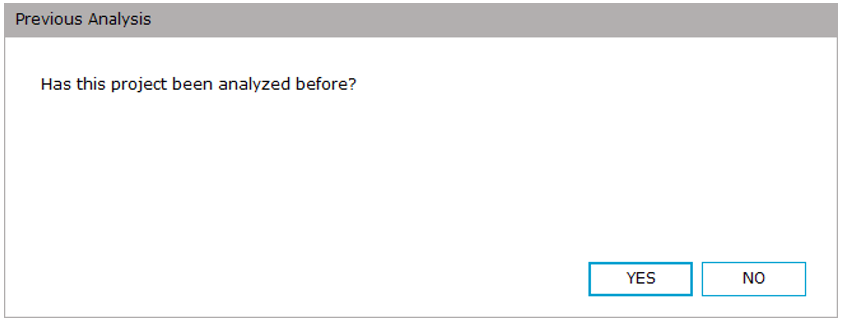
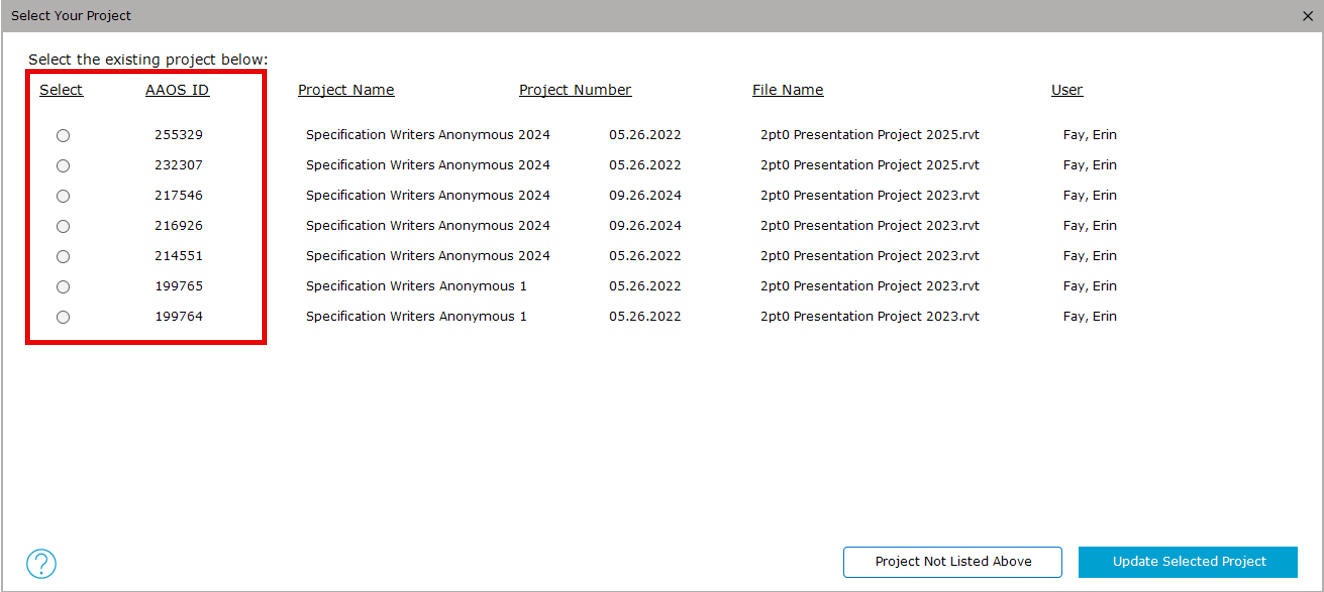
The project revision workflow has been redesigned to provide a more guided experience when determining whether a project should be treated as a new project or a revision. This includes a new question, the select column moved to the left, and the AAOS ID has also been added (by popular request).
Resolved issues
- The Opening Summary tab always opens at the top of the page instead of sometimes at the bottom.
- Duplicate Marks filter now ignores door and frame types and evaluates only Door & Frame Schedule marks.
- The Revit Phase Created parameter is captured correctly for project mapping and troubleshooting.
- Filtering the Door & Frame Schedule by electrified openings no longer disables filtering by selected rows.
- Deleted door message displays correctly in the Visualizer.
- Curtain wall analysis issues that could cause Revit to close unexpectedly have been addressed.
- Filtering Door Price or Frame Price by N/A no longer prevents users from filtering other columns.
- PDF pins copy more reliably.
- Custom products receive price adjustments correctly.
- RFIs updating the wrong opening has been corrected.
- Distributor file emails support semicolon-separated email addresses.
- Revit Library selectors respond correctly on the first click.
- Mobile: iOS camera and gallery permission handling has been improved.
- Mobile: Duplicate compliant messages have been removed from punch inspections.
- Mobile: Sync actions have been reordered to make available navigation options clearer.