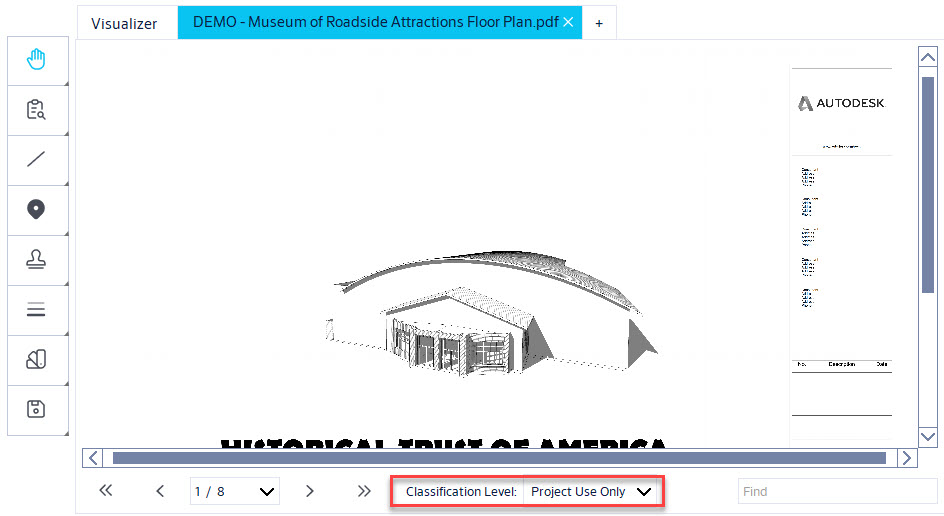
Overview
Use PDF classification in Openings Studio™ to identify and organize document content.
Classify a PDF document
Upload a PDF
- Select + in Visualizer.
-
Select Import New PDF.
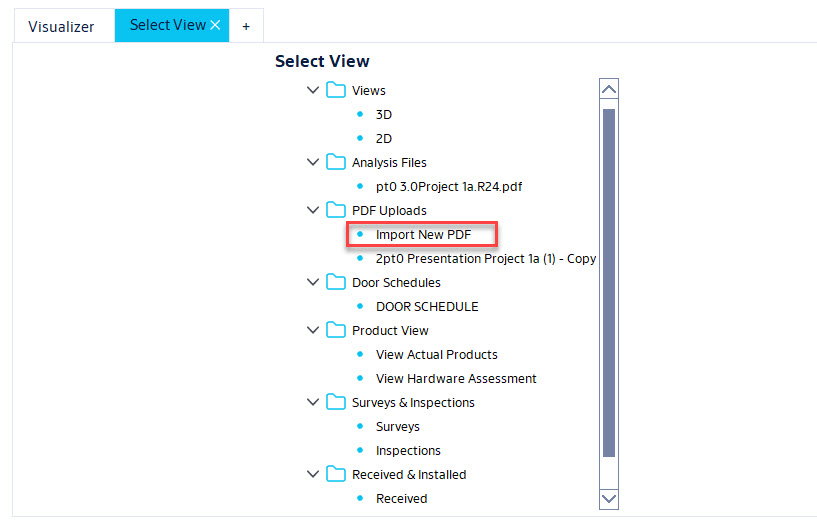
- Browse to select the PDF file.
- Rename PDF if desired
-
Select Classification Level for PDF document.
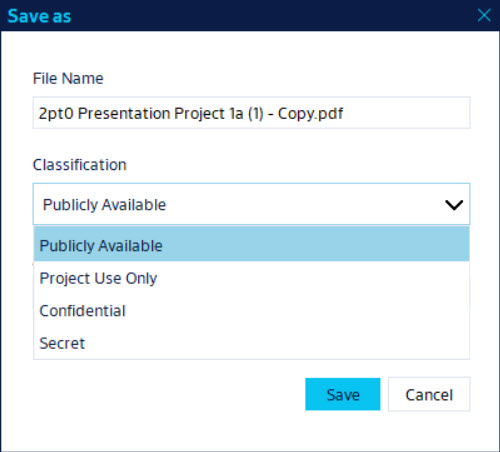
Publicly Available Documents are available to general public. Project Use Only Documents are meant to be used/viewed by users involved with the project. Confidential Documents are not to be viewed/used by anyone other than project owner and authorized users. Secret Documents are restricted and should not be saved in Openings Studio. - Select PDF Type
- Select Save.
Tip: Use a finalized document whenever possible to improve classification accuracy.
Result
The PDF document is classified. If you need to make changes or update an existing PDF you will be able to see/update the classification when opening a PDF.