
Worth a Double Take.
First you'll notice the new look. Then you'll find the smarter workflows, stronger access controls, and expanded integrations underneath. Openings Studio™ 3.29 delivers a refreshed interface aligned to the ASSA ABLOY brand identity, new tools to streamline document and project workflows, and tighter controls for managing users and access.
At a glance
- New: Duplicate Marks Filter helps identify and clean up duplicate openings in a project
- New: PDF Page Splitter breaks multi-page PDFs into single pages for easier document management
- New: User and account expiration controls for managing access across teams
- Improved: Refreshed branding and UI across desktop (light and dark themes) aligned to ASSA ABLOY's branding refresh
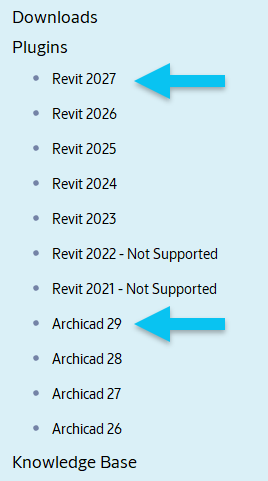
- Plugins: Autodesk® Revit® 2027 and GRAPHISOFT® Archicad® 29 now supported
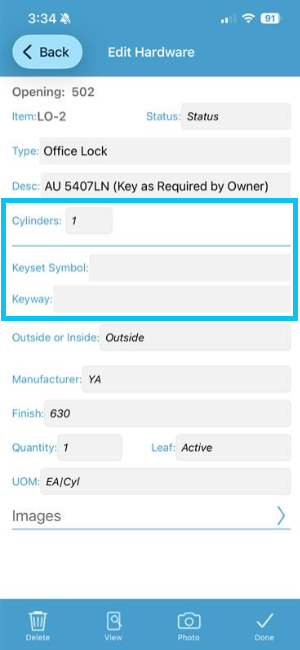
- Mobile App: Keying enhancements with expanded field and worksharing support
Take another look at the detailed release notes below.
The Openings Studio Team
What’s New
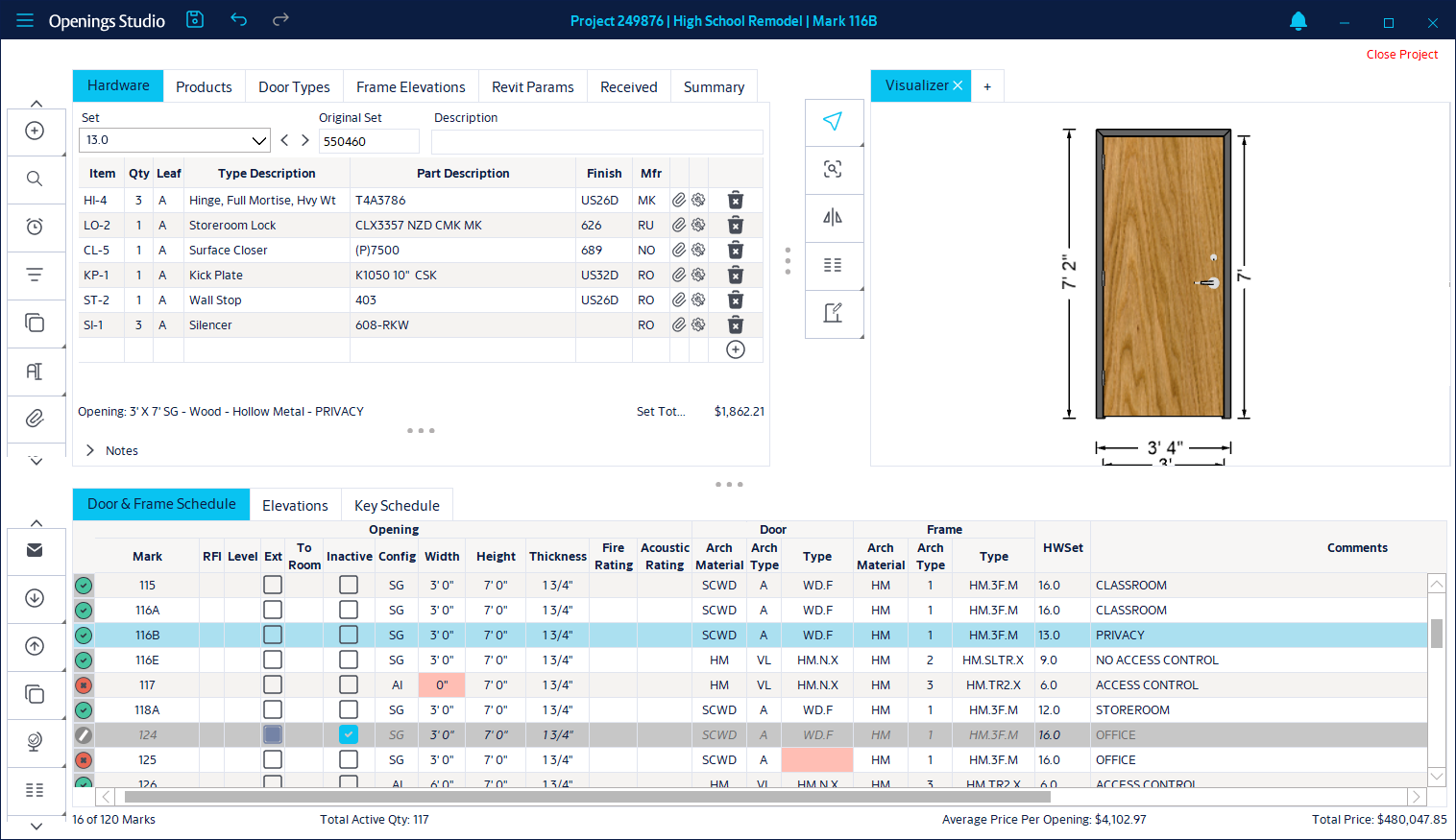
Updated Branding and User Interface
- Refreshed application colors and icons across the desktop application Improved light and dark themes for better visual clarity
- More modern, consistent look and feel across the application
Note: New branding and icons for the mobile app and the plugins will arrive in a future release.
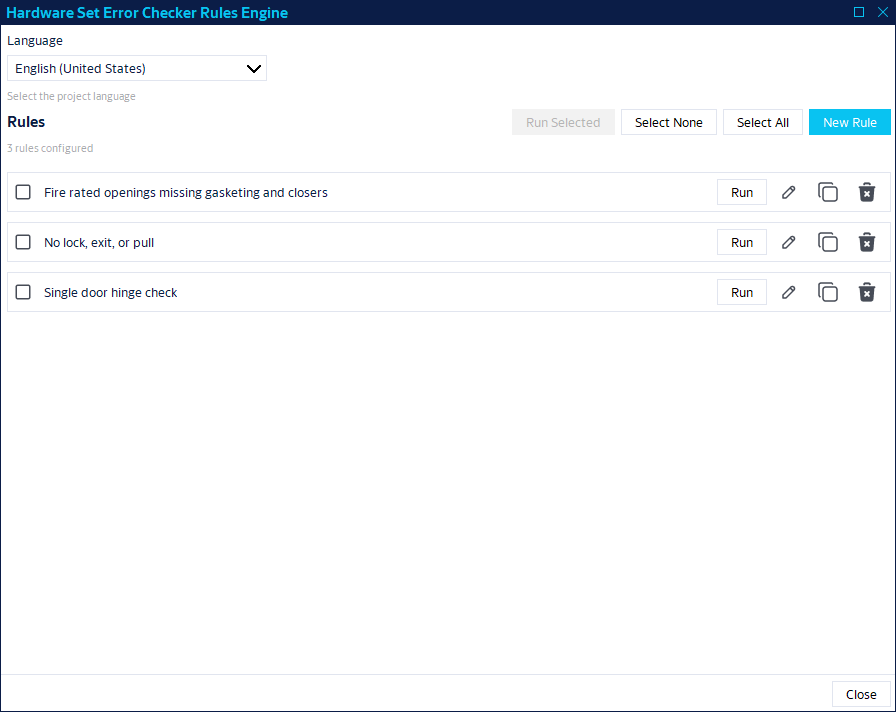
Hardware Set Error Checker - Beta
- Identify potential issues in hardware sets using configurable rules
- Create rules based on conditions such as missing components or invalid combinations
- Helps reduce manual review effort and improve accuracy
Note: This feature is currently in beta and only available to ASSA ABLOY specification writers. If you are interested in using it, please contact your ASSA ABLOY representative.
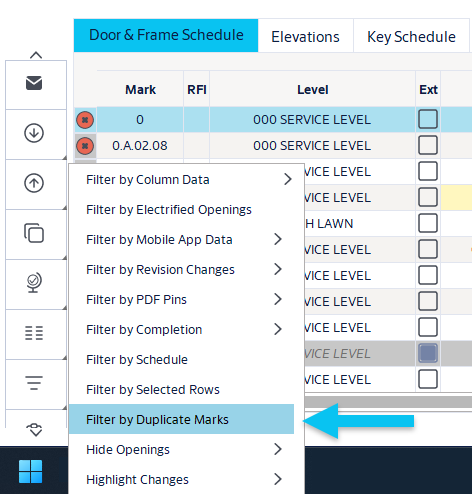
Duplicate Openings Filter
-
New filter allows users to quickly identify duplicate openings in schedules
PDF Page Splitter
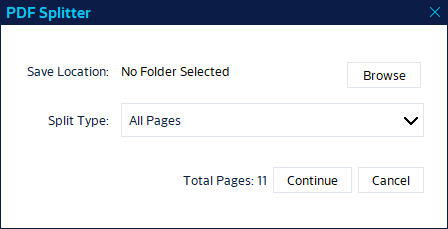
- Split multi-page PDFs into single pages
- Supports custom page ranges or full document splitting
-
Improves document workflows and supports integrations
User and Account Expiration Controls
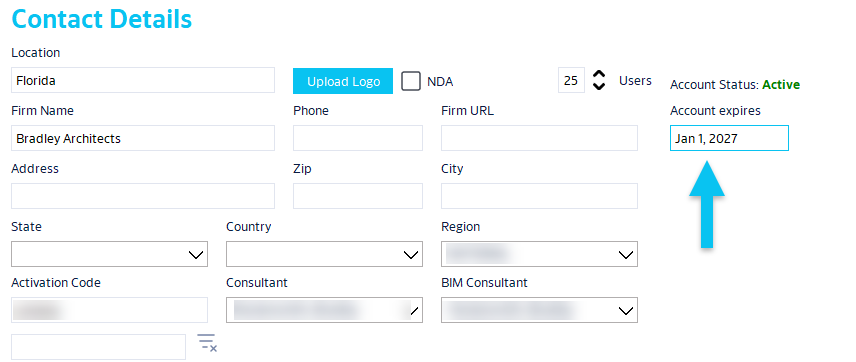
- Set expiration dates for users and/or entire accounts
- Automatically remove access when expiration is reached
- Useful for temporary access, external collaborators, and contract-based work
-
This is mainly an administrative feature and you do need a permission to use it
Improved Contact Search
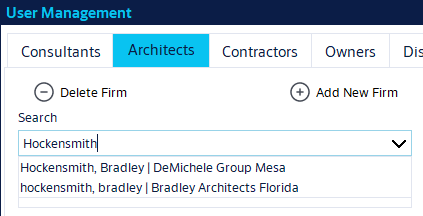
- Better handling of users with the same name across multiple accounts
-
Results now clearly identify the associated company or account
Server Selection on Login
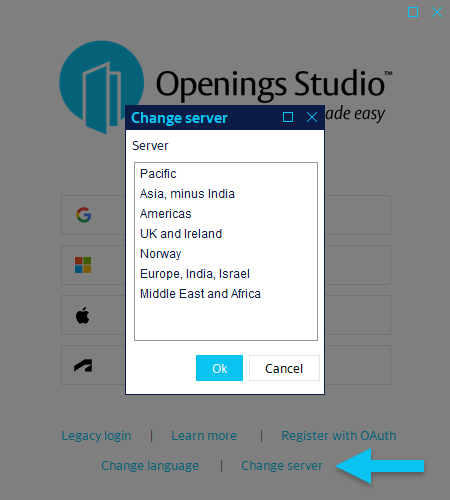
- New dropdown allows users to switch between servers
-
Eliminates need for multiple installations when working across countries or global companies
Plugins
Revit® Updates
- New Revit 2027 plugin
- To install, launch Openings Studio and visit the plugins menu. Click here for step-by-step instructions.
- Updated analyze window with improved messaging and usability
Archicad Updates
- New Archicad 29 plugin
- Click here for Windows installation instructions.
- Click here for Mac installation instructions.
- Improved handling of text and special characters
Performance and Technical Improvements
DirectX 12 Enhancements
- Reduced crashes when opening 3D views
- Improved performance and stability
- Fixed: Revit Spanish visualizer showing incorrect floors
General Performance Improvements
- Reduced memory leaks
- Improved load times in certain workflows
- Increased stability across plugins and core workflows
Mobile App Updates
Security and Stability
- Improved NFC tag security to prevent unintended overwrites
- Remember, if your project is using NFC tags, your device must have an NFC reader and the toggle needs to be turned on in the Details screen of the mobile app project.
- PDF pin placement improvements
- Removal of legacy Android ruler functionality for ease of use
Keying Enhancements
- Keying now supported in worksharing environments
- Added keyway visibility in the desktop and mobile applications
-
Improved handling of cylinder quantities in shared workflows
Additional Miscellaneous Fixes
- Fixed: Manual revisions in certain 3D workflows failed to load
- BIM object compatibility in newer Revit versions