
To view and import pre-built Door Family Libraries, use the Library feature in the Revit® plugin for Openings Studio™.
1. Open a project in Revit®.
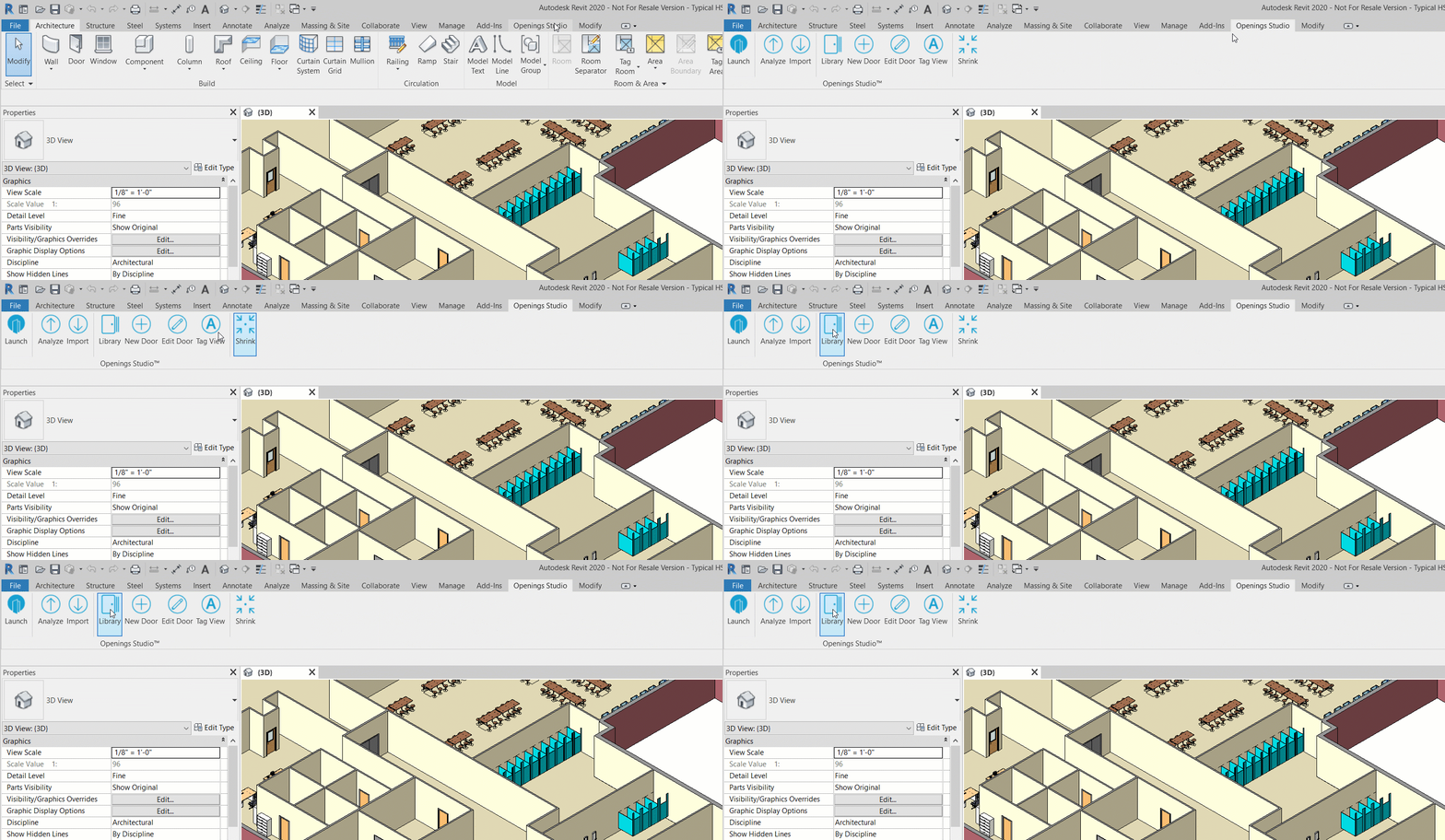
2. Select Library from the Openings Studio™ plug-in menu.
3. A popup will display sample libraries and previously created firm libraries.
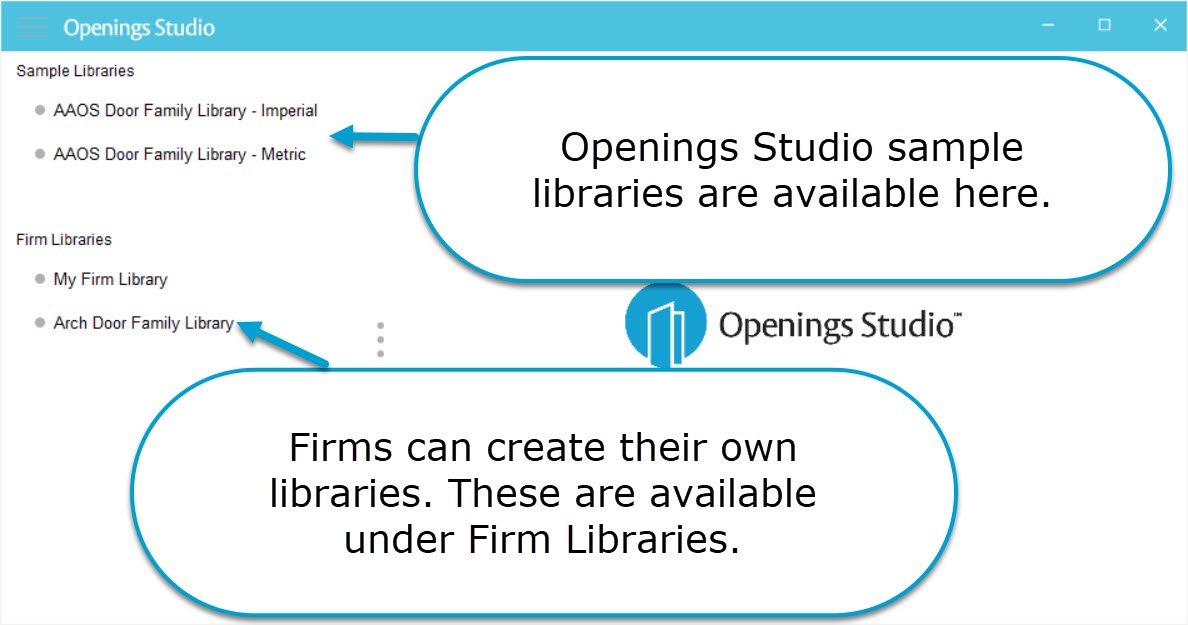
4. Click on desired library to access openings information.
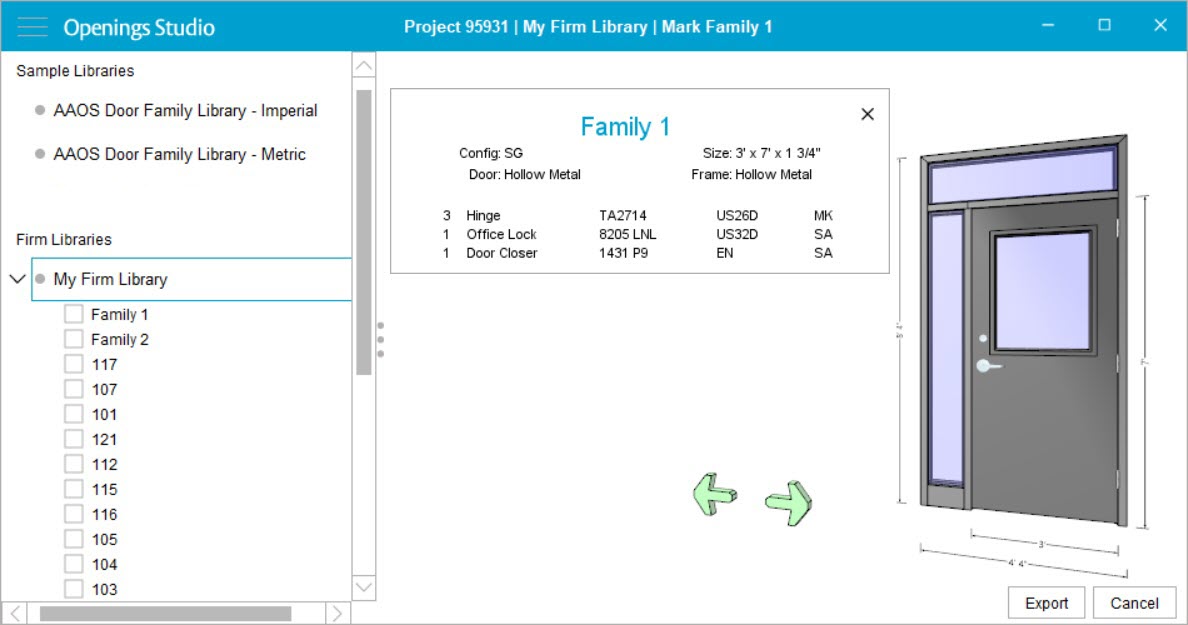
5. Check the box next to door families to be imported into the Revit® model. Click Export.